Key takeaways
- Cover entrances, tills, stores and parking first.
- Choose cameras with good night vision.
- Plan storage for the number of days you must keep footage.
- Add power backup so cameras keep recording during outages.
Good CCTV deters theft, protects staff and gives you evidence when something goes wrong. Here is what to consider before you buy.
Key questions
- Coverage: entrances, tills, stores and parking are the priorities.
- Image quality: choose cameras with clear night vision for after-hours footage.
- Storage: decide how many days of recordings you need to keep.
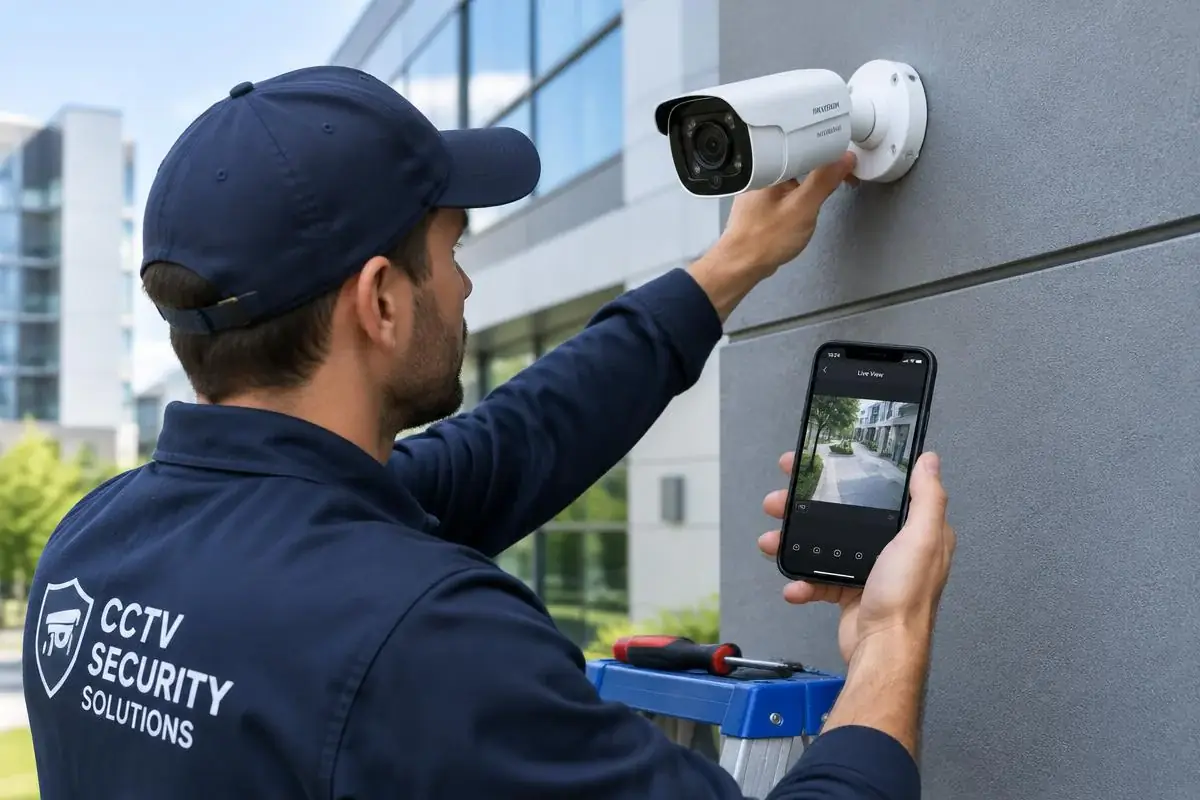
- Remote viewing: watch live on your phone from anywhere.
- Power backup: keep cameras running during outages.
Our team can survey your premises and recommend a setup that fits your budget. See our CCTV & security installation service.
Camera types at a glance
| Type | Best for |
|---|---|
| Dome | Indoor shops and offices; discreet |
| Bullet | Outdoor perimeters and gates; visible deterrent |
| PTZ | Large compounds where you need to zoom and pan |
| IP cameras | Sharper images and easier remote viewing |
Common CCTV mistakes
- Pointing cameras into bright light, which hides faces.
- Leaving the default password on the recorder.
- Not testing playback until an incident happens.
- Cheap cabling that fails after a rainy season.
Frequently asked questions
How many days of footage should I keep?
Many small businesses keep 14–30 days; choose storage size based on cameras and quality.
Can I view cameras on my phone?
Yes, most modern systems support secure remote viewing via an app.
Do cameras work during power cuts?
Only with a UPS or backup power, which we recommend for every installation.

Permalink Business Ltd.
A Nairobi IT company helping Kenyan businesses grow with websites, software, marketing, networking and security. Our guides are written from real client projects.