Key takeaways
- Yes. Any business with an M-Pesa Paybill or Till number can accept payments directly on its website.
- The integration uses Safaricom's Daraja API; STK Push sends a payment prompt to the customer's phone.
- You need a registered business, a Paybill or Till, a Daraja account and a secure (HTTPS) website.
- Payments are confirmed automatically, so orders and bookings update without manual checks.
In this guide
Short answer: yes, you can integrate your website with M-Pesa. Kenyan customers prefer paying with M-Pesa, and a website that accepts it directly sells more and chases fewer payments. Here is what you need, how it works and what it costs to set up.
Who can integrate M-Pesa on a website?
Any registered business with an M-Pesa Paybill or Buy Goods (Till) number: online shops, schools, hospitals, hotels, tour operators, landlords, churches, SACCOs and service businesses. A personal M-Pesa number cannot be used for automated website payments.
What you need
- A registered business and KRA PIN.
- An M-Pesa Paybill or Till number from Safaricom.
- An account on the Safaricom Daraja developer portal and go-live approval.
- A secure website with an SSL certificate (HTTPS).
- A developer or agency to connect your website to Daraja.
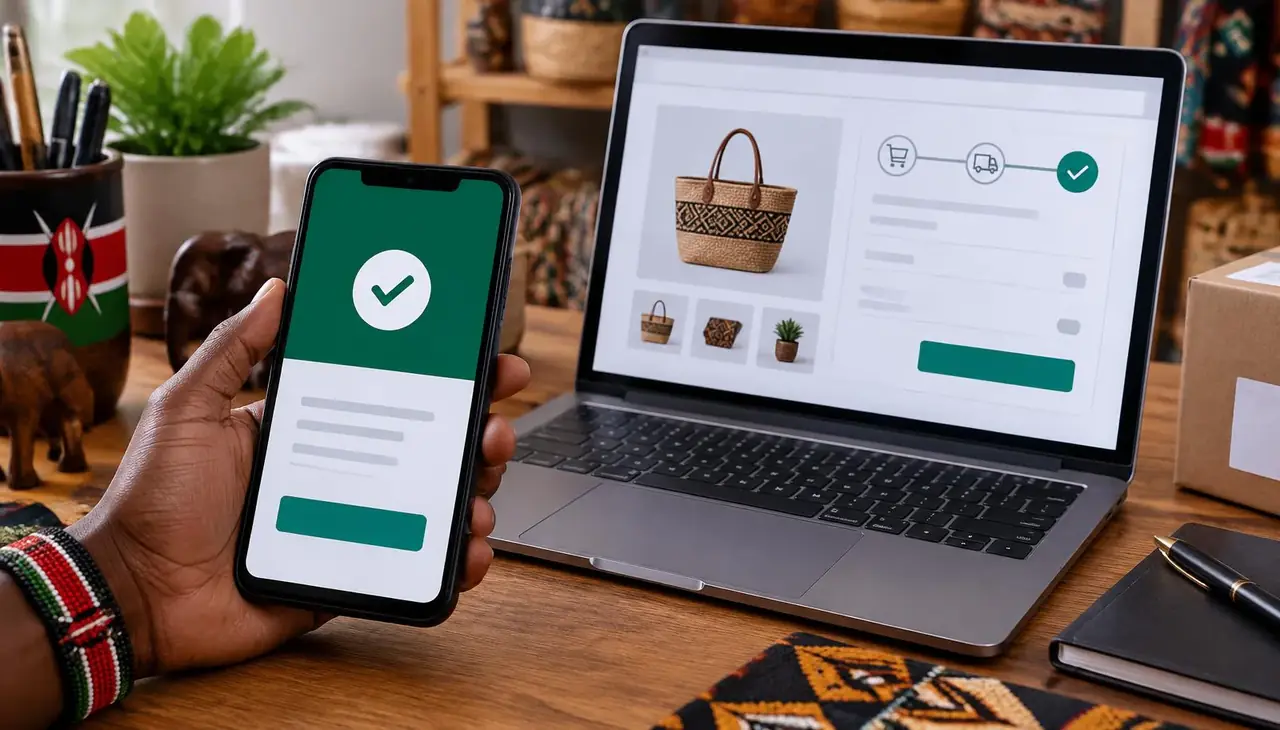
How M-Pesa website payments work (STK Push)
- The customer chooses M-Pesa at checkout and enters their phone number.
- Your website asks Safaricom to send a payment prompt.
- The customer enters their M-Pesa PIN on their phone.
- Safaricom confirms the payment to your website within seconds.
- The order, booking or invoice is marked as paid and a receipt is sent automatically.
Which websites can have M-Pesa?
- WordPress and WooCommerce shops.
- Custom websites and web apps (PHP, Laravel, Node.js and others).
- Booking systems for hotels, tours and events.
- School, hospital, property and SACCO systems.
- Mobile apps.
Benefits of M-Pesa integration
- Faster checkout and fewer abandoned orders.
- No manual checking of M-Pesa messages.
- Automatic receipts and accurate records.
- Payments reconcile with your accounts and eTIMS invoices.
Ready to accept M-Pesa on your website?
Can I also accept cards and PayPal?
Yes. Many businesses combine M-Pesa with card payments and PayPal so local and international customers can all pay. Read more in our guide on sending and receiving money globally from Kenya, and our earlier technical overview of M-Pesa integration for websites.
Get it done by Permalink
We integrate M-Pesa into new and existing websites, online shops and business systems, and test every payment before go-live. See our web design and development service or request a quote.
M-Pesa integration options compared
| Option | How it works | Best for |
|---|---|---|
| STK Push (Lipa na M-Pesa Online) | Customer enters phone number, gets a PIN prompt | Online shops, bookings, school fees |
| C2B (Paybill / Till confirmation) | Customer pays from the M-Pesa menu; site receives confirmation | Invoices and account payments |
| B2C | Business sends money to customers | Refunds, payouts, commissions |
| Payment gateway plugin | A third-party gateway handles M-Pesa and cards | Quick setup with cards too |
Frequently asked questions
Can I use my personal M-Pesa number on my website?
Not for automated payments. Daraja integrations need a business Paybill or Till number.
Does M-Pesa integration work with WordPress and WooCommerce?
Yes. It can be added through a plugin or a custom integration that confirms payments automatically.
How long does M-Pesa integration take?
Once your Paybill or Till and Daraja go-live approval are ready, a standard integration usually takes a few days.
Is M-Pesa integration secure?
Yes, when done properly: payments happen on the customer's phone with their PIN, and your site only receives the confirmation over HTTPS.

A Nairobi IT company helping Kenyan businesses grow with websites, software, marketing, networking and security. Our guides are written from real client projects.