Key takeaways
- STK Push lets customers pay from a prompt on their phone.
- Paybill suits account references; Till suits shops and online stores.
- Automatic confirmation removes manual SMS reconciliation.
- You need a registered business, Paybill or Till and a secure server.
In this guide
M-Pesa integration lets customers pay on your website or app directly from their phones using STK Push, Paybill or Till numbers. For Kenyan e-commerce, it is the single biggest driver of completed orders.
How M-Pesa online payments work
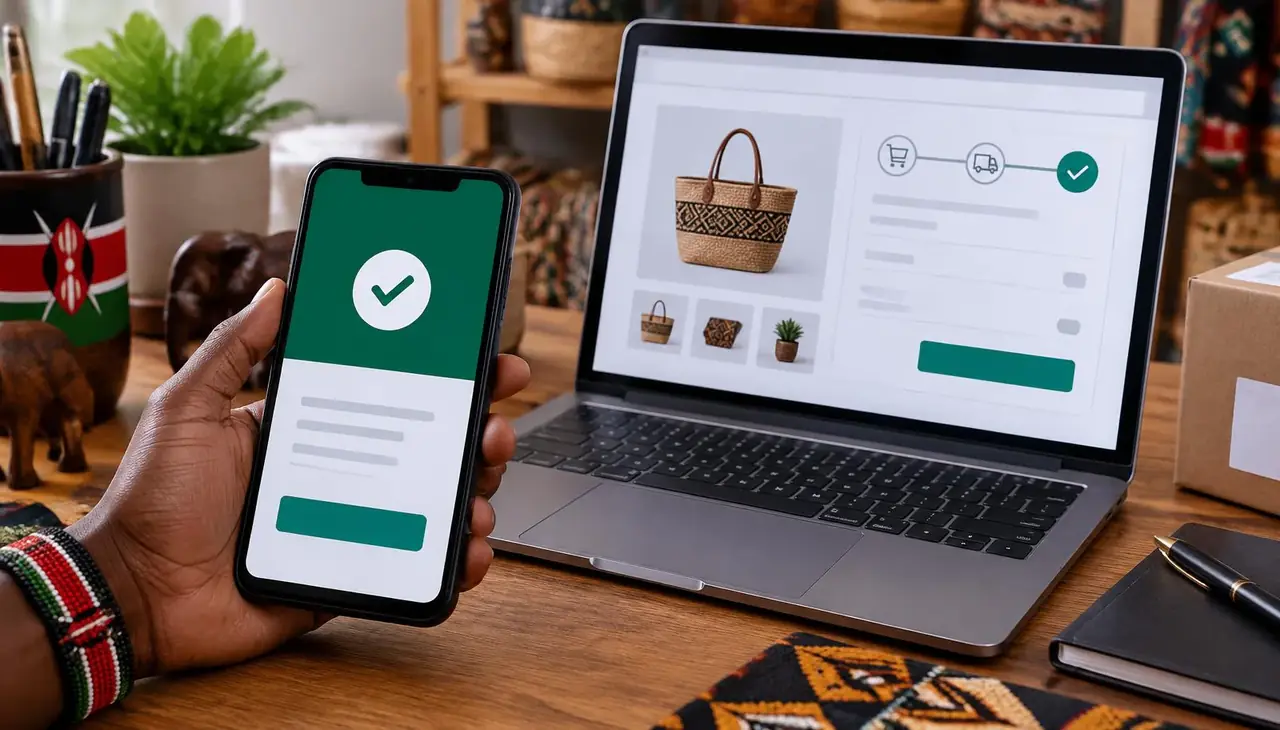
- The customer enters their phone number at checkout.
- Your site sends an STK Push request through the Safaricom Daraja API.
- The customer enters their M-Pesa PIN on their phone.
- Safaricom confirms the payment and your system marks the order as paid automatically.
Paybill vs Till number
A Paybill suits businesses that need account references, such as schools or landlords. A Buy Goods Till is simpler for shops and online stores.
Benefits of M-Pesa API integration
- Instant, automatic payment confirmation
- No manual reconciliation of SMS messages
- Fewer abandoned carts
- Works with WooCommerce, custom systems and mobile apps
What you need
A registered business, a Paybill or Till number, a Daraja developer account and a secure server to receive payment callbacks.
We integrate M-Pesa into websites, POS systems and custom software. Talk to us via the contact page.
Security best practices
- Never trust the browser alone — confirm payment from the Safaricom callback on your server.
- Keep API keys on the server, never in website code visitors can see.
- Log every transaction reference to resolve disputes quickly.
- Use HTTPS for all callback URLs.
Glossary
- Daraja API: Safaricom’s developer platform for M-Pesa.
- STK Push: the payment prompt sent to the customer’s phone.
- Callback URL: the address where Safaricom reports the payment result.
- C2B / B2C: customer-to-business and business-to-customer payments.
Frequently asked questions
Can I add M-Pesa to WooCommerce?
Yes, through a plugin or a custom integration with the Daraja API.
How long does M-Pesa integration take?
Development is usually quick; Safaricom go-live approval can add time.
Can I accept both M-Pesa and cards?
Yes, many sites offer M-Pesa alongside card payment gateways.

A Nairobi IT company helping Kenyan businesses grow with websites, software, marketing, networking and security. Our guides are written from real client projects.