
Key takeaways
- Plan cabling and access points before you buy equipment.
- Separate guest Wi-Fi from your business network.
- Backup internet links keep you working during outages.
- Label and document everything for faster support.
In this guide
Slow internet and dropped connections cost businesses money every day. Professional network installation in Nairobi gives your office fast, secure and reliable connectivity.
What a professional office network includes
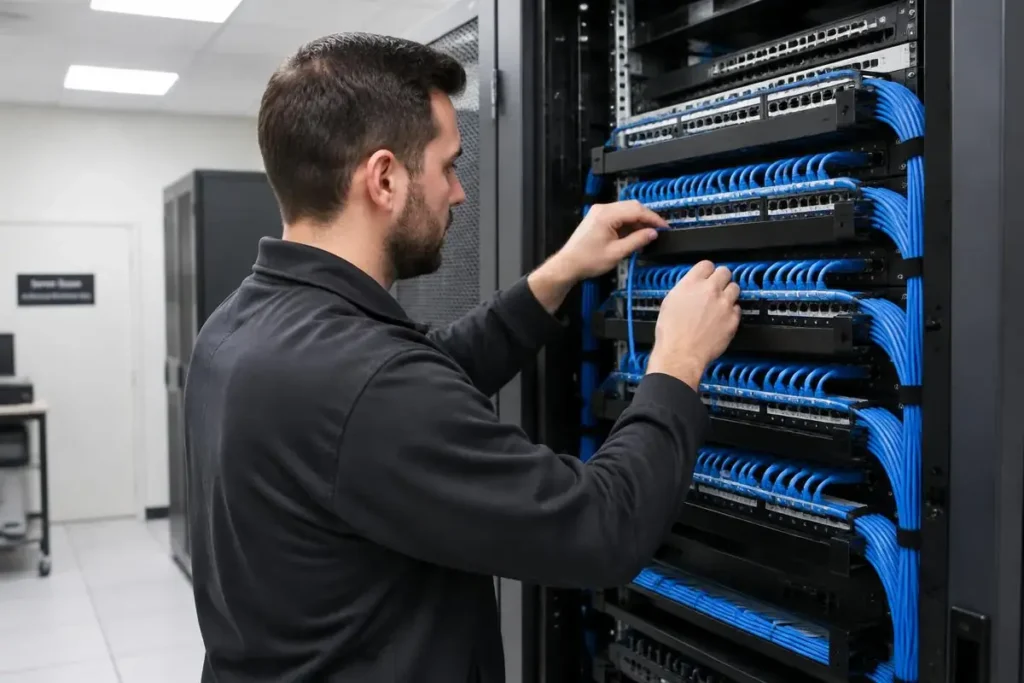
- Structured cabling: Cat6 cabling neatly run and labelled.
- Switches and routers: business-grade equipment sized for your users.
- Wi-Fi coverage: access points placed for full coverage without dead zones.
- Firewall and security: protect your data from attacks.
- Guest network: keep visitors separate from company systems.
Signs your network needs an upgrade
- Frequent disconnections or slow file transfers
- Weak Wi-Fi in some rooms
- Messy, unlabelled cables
- No backup internet line
Ongoing IT support
Regular maintenance, monitoring and quick troubleshooting keep your team productive.
Learn more about our computer networking & IT support service.
Office network checklist
- Structured Cat6 cabling to every desk and printer.
- Business-grade router and firewall.
- Ceiling-mounted access points for even Wi-Fi coverage.
- A UPS for the router, switches and server.
- Strong Wi-Fi passwords changed when staff leave.
Signs your network needs attention
Slow file sharing, video calls dropping in certain rooms, printers that “disappear” and frequent router restarts all point to a network that needs a professional review.
Frequently asked questions
Why is my office Wi-Fi slow?
Common causes are poor access point placement, too many devices or an overloaded consumer router.
Should guests use the same Wi-Fi?
No, a separate guest network keeps business devices and data safer.
Do I need a backup internet line?
If downtime stops sales or operations, a second provider is worth it.

A Nairobi IT company helping Kenyan businesses grow with websites, software, marketing, networking and security. Our guides are written from real client projects.